Using the DB SCHENKER | connect Emergency Mode
The DB SCHENKER | connect Emergency Mode will be active at times when the regular SIMS authentication is not available (due to a failure or due to planned maintenance). The emergency mode provides basic DB SCHENKER | connect functionality, for example:
- customers can place bookings in DB SCHENKER | connect, and
- Schenker representatives can place bookings on behalf of customers in DB SCHENKER | connect.
In DB SCHENKER | connect Emergency Mode not the complete functionality of your eServices will be available to you.
For the DB SCHENKER | connect Emergency Mode an alternative authentication mechanism has been implemented:
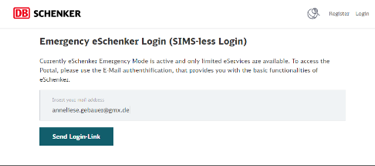
- When you try to log in while DB SCHENKER | connect operates in emergency mode, you must specify the email address that has been used to create your DB SCHENKER | connect account.
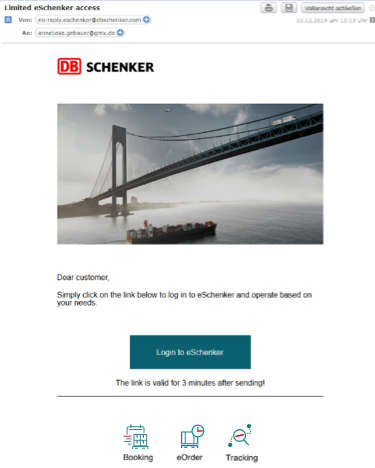
- DB SCHENKER | connect will now check the user permissions of the user to which the email address belongs and will send an email containing a login link (remember to also check your spam folder, if you cannot find the email). Click on the link to access DB SCHENKER | connect emergency mode.
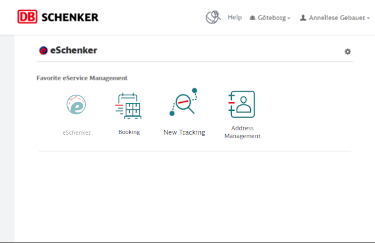
- Use the DB SCHENKER | connect functionality that is available. Remember that not all functionality will be available due to security reasons.